Many Indonesian companies run their daily operations on a system built ten or fifteen years ago. Stock, invoicing, payroll, sometimes the whole order flow. It still works, the staff know its quirks, and nobody wants to touch it. Then something forces the question: the server under the desk starts making noises, a client's IT audit flags PHP 5, or the only person who understands the code resigns. The first instinct is usually to rebuild everything from scratch. In our experience that is often the most expensive answer and rarely the safest one.
What Legacy Usually Looks Like Here
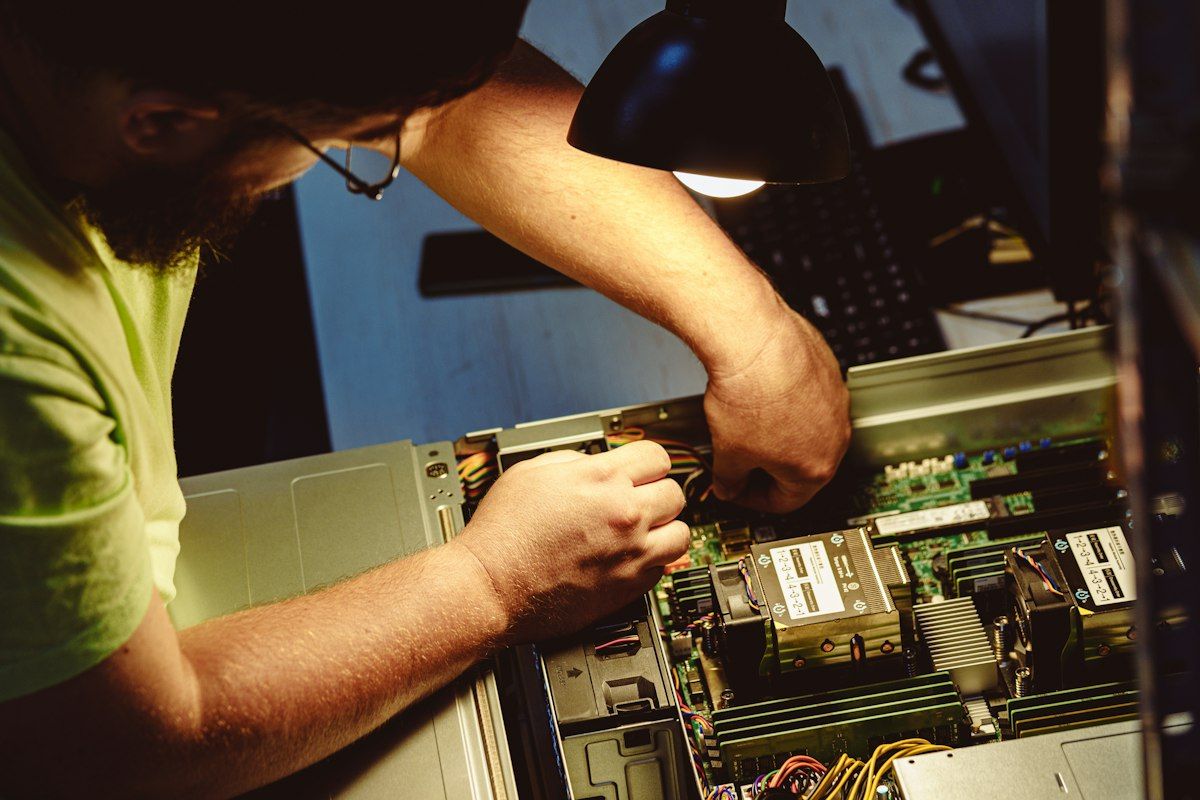
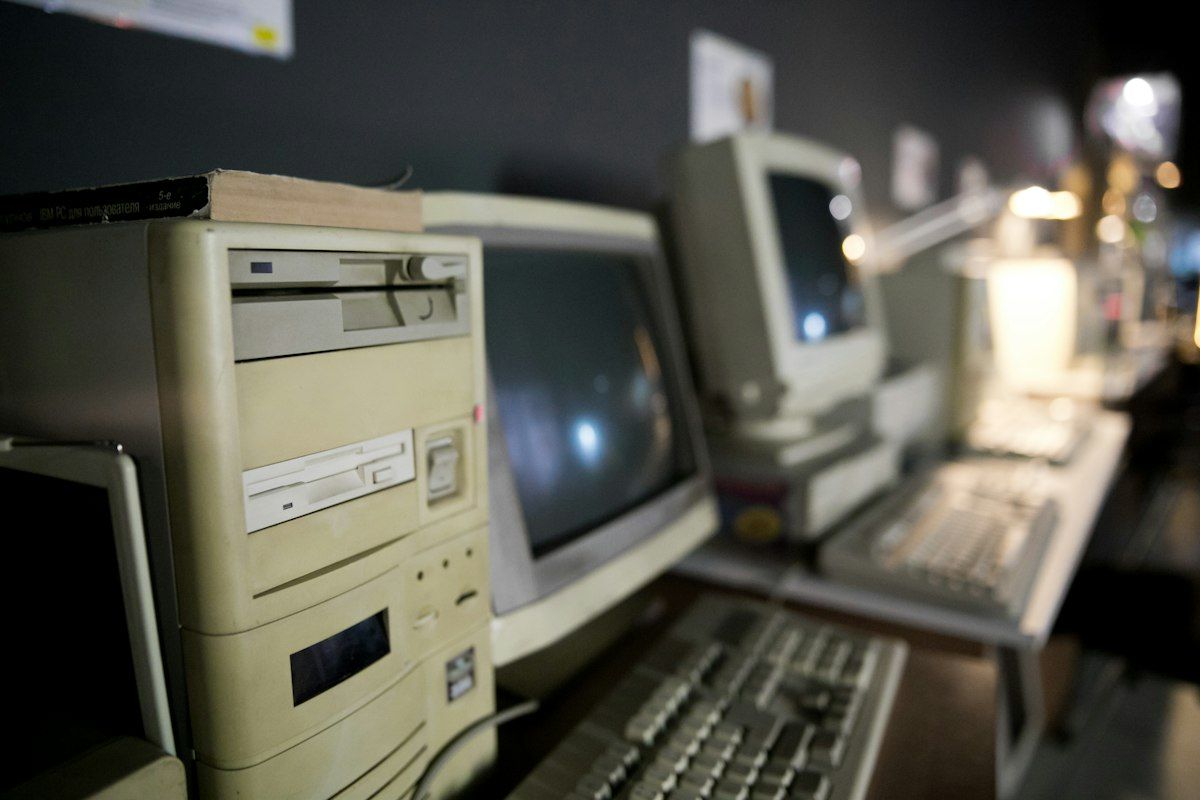
The typical case is a web app in native PHP 5 or CodeIgniter 2, written around 2012, with MySQL tables on MyISAM and SQL queries built by string concatenation. It runs on a PC turned into a server, sitting under a desk in the warehouse, on CentOS 6 or Windows Server 2008. The other common case is a desktop application in Visual Basic 6 or Delphi 7, installed on every cashier or admin PC and connected to an Access file on a shared folder or to SQL Server 2008.
The developer was a freelancer or an employee who left years ago. The source code lives on the server, on one old laptop, or nowhere, and the business rules exist only in the code and in the heads of two senior staff. None of this means the system is bad. It ran the business for a decade.
Signs It Is Time to Act
- No more security patches. PHP 5.6 stopped receiving them at the end of 2018, CodeIgniter 2 in 2015, SQL Server 2008 in July 2019, and CentOS 6 in 2020. An internet-facing app on that stack is an open door.
- Only one person understands it, often an ex-employee paid per visit who is getting harder to reach.
- You cannot hire for it. Young developers in Bandung or Jogja know Laravel, Go, or Flutter. Very few want to learn VB6 or CodeIgniter 2.
- You cannot integrate. Connecting to Shopee, Tokopedia, or TikTok Shop, to Midtrans, to the WhatsApp Business API, or to Accurate or Jurnal is painful or impossible, and older servers sometimes cannot even open a modern TLS connection.
- Every change takes weeks and breaks something unrelated, so the business has stopped asking for changes.
One sign alone is rarely a reason to rewrite. Ugly code is not on the list at all. And if the system works, nobody needs it to change, and it is not exposed to the internet, the honest answer may be to leave it alone: move it to a supported virtual machine with proper backups and spend the money elsewhere. You do not need a software house for that decision.
First Steps Before Any Decision
Whatever you choose later, the first few weeks look the same. Back the system up properly: a database dump, the source code, configuration files, scheduled tasks, and ideally an image of the whole server. Then restore it on another machine and check it runs. A backup that has never been restored is only a hope.
Next, put the code in Git exactly as it runs in production, including the hotfix someone edited directly on the server in 2019. Compare it with any copies on laptops before you throw those away. Then take inventory: modules in use, users and roles, cron jobs and Windows scheduled tasks, every integration, and the reports finance and operations actually open at month end. Some modules will turn out to be unused. Those are free savings.
Document the data model from the real database, not from memory, including what the magic values mean, such as status 3 meaning approved by the manager but not yet shipped. Finally, write characterisation tests. These record what the system does today, not what it should do. Feed known inputs into the invoice calculation and save the outputs, rounding quirks included, and keep last month's reports as golden files. With PHPUnit for the logic and Playwright for key screens, these tests are your safety net for any option below.
The Options, From Least to Most Disruptive
Keep and stabilise means fixing the operational risk without changing much code: a proper server or VM, tested backups, uptime monitoring, access behind a VPN instead of open to the internet, and a patch for the worst holes, such as SQL injection on the login form. Rehosting, or lift and shift, moves the same code from the box under the desk to a VM in a Jakarta data centre or a cloud provider. It removes hardware risk but leaves the old runtime, so keep it off the public internet.
Upgrading in place keeps the application and moves it to a supported runtime. For PHP that usually means stepping from 5.6 through 7.4 to 8.x. The biggest single job is replacing the mysql_* functions, which were removed in PHP 7.0. Rector automates much of the syntax work and PHPCompatibility for PHP_CodeSniffer finds what it misses. CodeIgniter 2 to 3 has a documented upgrade path. CodeIgniter 3 to 4 is closer to a port than an upgrade. Delphi code can move to a current Delphi version, though the switch to Unicode strings in Delphi 2009 makes older code take real effort. VB6 has no upgrade path worth the name.
Gradual refactoring improves the structure piece by piece, under the characterisation tests, while the team keeps shipping features. The strangler fig pattern goes a step further: new modules are built beside the old system, traffic for one function at a time is routed to the new code, and the old part is switched off once the new one has proven itself. We covered it in depth in our article on monoliths and microservices. A full rewrite builds a replacement from scratch and switches over when it is ready.
Comparing the Options
The figures below are indicative for a mid-sized business system with a few dozen screens. They vary widely with the size of the codebase and the state of the data, so treat them as a way to compare options, not as a quote.
| Option | Indicative cost | Risk | Typical time | When to choose |
|---|---|---|---|---|
| Keep and stabilise | Rp15 million to Rp60 million | Low | 2 to 6 weeks | It works, rarely changes, and the main risks are hardware, backups, and exposure |
| Rehost (lift and shift) | Rp10 million to Rp50 million plus hosting | Low | 1 to 4 weeks | The server is the problem more than the code |
| Upgrade in place | Rp40 million to Rp250 million | Medium | 1 to 4 months | The code is acceptable but the runtime or framework is out of support |
| Gradual refactor | Part of a monthly maintenance budget | Low to medium | Ongoing | The system still changes often and must keep running |
| Strangler fig | Rp200 million upward, spread over time | Medium | 6 to 18 months | Some modules need new capabilities while others are fine as they are |
| Full rewrite | Close to building new, often Rp300 million to several billion | High | 6 to 24 months | The platform is dead (VB6 that must become web or mobile), or the system is small and well understood |
Why Big-Bang Rewrites Fail
The first reason is hidden business rules. Somewhere in the old code there is an if statement that gives customer 117 a special discount, a rounding rule for cash payments to the nearest Rp100, and a report that leaves out returns made after the 25th. Nobody mentions them in the requirements meetings because nobody remembers them. They surface when finance closes the first month on the new system and the numbers do not match.
The second is scope creep. Once a rewrite is announced, every department adds the wishes it has saved up for years, and the replacement turns into a new system with a new design and new processes. The third is that the old system keeps changing. During a twelve month rewrite the business still needs new discount rules, new price lists, and new reports, so the team builds them twice or the new system is behind on its first day. And a rewrite delivers nothing until the end. If the budget is cut halfway, you own two half-finished systems.
The old code is ugly, but it is also the only complete specification of how your business actually runs.
Moving the Data and Running in Parallel
Data migration is where the schedule slips. Old data is dirty: duplicate customers with slightly different names, dates stored as free text, latin1 tables full of mangled characters, and three different ways of marking a row as deleted. Write the migration as scripts you can rerun against fresh copies of production, and reconcile after each run. Row counts are not enough. Compare receivables per customer and stock per item per warehouse.
For anything touching money or stock, run both systems in parallel for one full cycle, usually one month-end close, and compare the outputs. Double entry costs staff time, so keep it short or feed the new system from the old one automatically. Never cut over right before Lebaran or during year-end closing. Keep the old system available read-only for at least a year, because someone will need to look up an old transaction.
A Practical Sequence
- 1Back up the database, code, configuration, and server, then prove the backup by restoring it on a different machine.
- 2Put the production code into Git exactly as it runs today.
- 3Inventory modules, users, scheduled jobs, integrations, reports, and the server itself, and mark what is no longer used.
- 4Document the data model and the meaning of every status code and flag.
- 5Write characterisation tests around the calculations and reports that finance and operations depend on.
- 6Stabilise: supported hosting, monitoring, VPN access, and fixes for the worst security holes.
- 7Decide per module whether to leave it, upgrade it, refactor it, or replace it, and estimate again with what you now know.
- 8Migrate data with repeatable scripts, run in parallel for one full cycle, and cut over outside peak periods.
Our honest view, after taking over a fair number of these systems, is that most of them need stabilising and an upgrade, not a rewrite. The rewrite makes sense for the parts that truly block the business, and the strangler approach lets you replace those one at a time. When we take on a legacy system, the first two to four weeks are the backup, Git, inventory, and tests described above, and only then do we put a number on the bigger options.
Key takeaways
- An old system that works and is not exposed to the internet may only need a supported server and tested backups.
- Before deciding anything, back it up, put it in Git, take inventory, document the data model, and write characterisation tests.
- Upgrading in place, such as PHP 5.6 to 8.x with Rector, is often far cheaper than a rewrite and keeps the hidden business rules intact.
- Big-bang rewrites fail on hidden rules, scope creep, and an old system that keeps changing, so replace module by module where you can.
- Migrate data with rerunnable scripts, reconcile totals, run in parallel for one month-end close, and avoid cutting over near Lebaran or year end.