iOS Mobile Development with Swift & SwiftUI
Learn how to build scalable iPhone and iPad applications using Swift, SwiftUI, MVVM, REST APIs, Core Data, and App Store deployment, through a business application case study of the kind used in real companies.
Who Is This Training For?
This program is designed for software engineers, mobile developers, startup founders, final-year students, and companies that want to build professional iOS development capability.
- Understand programming fundamentals and OOP concepts
- Have experience with at least one programming language
- Use a Mac running a recent version of macOS
- Have the latest version of Xcode installed
- Are interested in building mobile applications for iPhone and iPad
Training Curriculum
A 5-day intensive program that blends foundational theory with practical, hands-on iOS development experience.
Swift Fundamentals & Xcode Setup
Swift Language Essentials
- Variables, constants, and type safety
- Optionals and optional chaining
- Functions, closures, and higher-order functions
- Structs, classes, enums, and protocols
Xcode & Project Setup
- Xcode interface and shortcuts
- Project structure and configuration
- Info.plist and app capabilities
- Running apps on simulator and physical device
SwiftUI Fundamentals
- Declarative UI with SwiftUI
- Views: Text, Image, Button, and List
- Layout: VStack, HStack, ZStack, and LazyVGrid
- State and Binding property wrappers
UI Development & Navigation
Advanced SwiftUI Components
- NavigationStack and NavigationLink
- TabView and sidebar navigation
- Forms, TextField, and input handling
- Custom modifiers and view extensions
Navigation & Routing
- NavigationPath and programmatic navigation
- Passing data between views
- Sheet, alert, and confirmation dialogs
- Deep linking fundamentals
Lists, Animations & Custom Views
- List and LazyVStack with pagination
- Pull-to-refresh with refreshable
- Animations, transitions, and matchedGeometryEffect
- Building reusable custom components
Architecture & Data Layer
MVVM Architecture & Dependency Injection
- MVVM pattern in SwiftUI
- ObservableObject and @Published
- @StateObject, @ObservedObject, and @EnvironmentObject
- Dependency injection patterns
REST API Integration
- URLSession and async/await
- Codable protocol for JSON parsing
- API service layer and error handling
- Loading states and retry logic
Local Storage
- Core Data setup and CRUD operations
- SwiftData (modern alternative)
- UserDefaults and Keychain
- Offline-first data strategy
Advanced Features & Platform Integration
Authentication & Session Management
- Login and registration flow
- Token storage with Keychain
- Authenticated API requests
- Session management and biometric authentication (Face ID / Touch ID)
Device Features & Permissions
- Camera and photo library access (PhotosUI)
- Core Location and MapKit
- Permission handling best practices
- Push notifications with APNs and Firebase
Image Loading & File Management
- AsyncImage and custom image caching
- File upload with multipart/form-data
- Image compression and resizing
- Document picker and file management
Testing, Optimization & Deployment
Testing Strategy
- Unit testing with XCTest
- UI testing with XCUITest
- Testing ViewModels and services
- Snapshot testing and test coverage
Performance & Optimization
- Instruments for performance profiling
- Memory management and ARC
- App launch time optimization
- App size reduction techniques
App Store Deployment & Project Challenge
- Certificates, provisioning profiles, and signing
- App Store Connect setup
- TestFlight beta distribution
- Final project challenge
Technologies Covered
Tools and frameworks that will be used throughout the training.
What Participants Will Receive
Participants receive complete materials, the source code, and hands-on experience building a production-ready iOS application.
- Complete source code for every case study
- A SwiftUI project template using MVVM architecture
- A guide to REST API integration and authentication
- Best practices for modern iOS application development
- Training materials and session recordings (optional)
- Official certificate from PT Salamun Teknologi Indonesia
Frequently Asked Questions
Who is this iOS Swift training for?
This training suits developers who want to learn iPhone and iPad application development using Swift and SwiftUI, whether for a startup, a company, or their own digital product.
Will participants build a real application?
Yes. Participants build a complete iOS application covering authentication, REST API integration, local storage, push notifications, and deployment to the App Store.
Is this training suitable for companies?
Very much so. The program is available as corporate training and can be tailored to your technology needs, case studies, and application development roadmap.
Do participants receive a certificate?
Yes. Every participant who completes the training receives an official certificate from PT Salamun Teknologi Indonesia.
Does the material cover SwiftUI?
Yes. The training uses SwiftUI as the primary framework for building modern iOS interfaces, in line with Apple’s current development standards.
Other Training Programs
Explore the rest of our hands-on technical programs.
Related articles
Practical guides from our engineering team on related topics.

SwiftUI vs UIKit: Which One Should Your iOS App Use?
How SwiftUI and UIKit differ, where each one is stronger, how your minimum iOS version shapes the decision, how to combine both in one app, and what an iOS developer should learn first today.
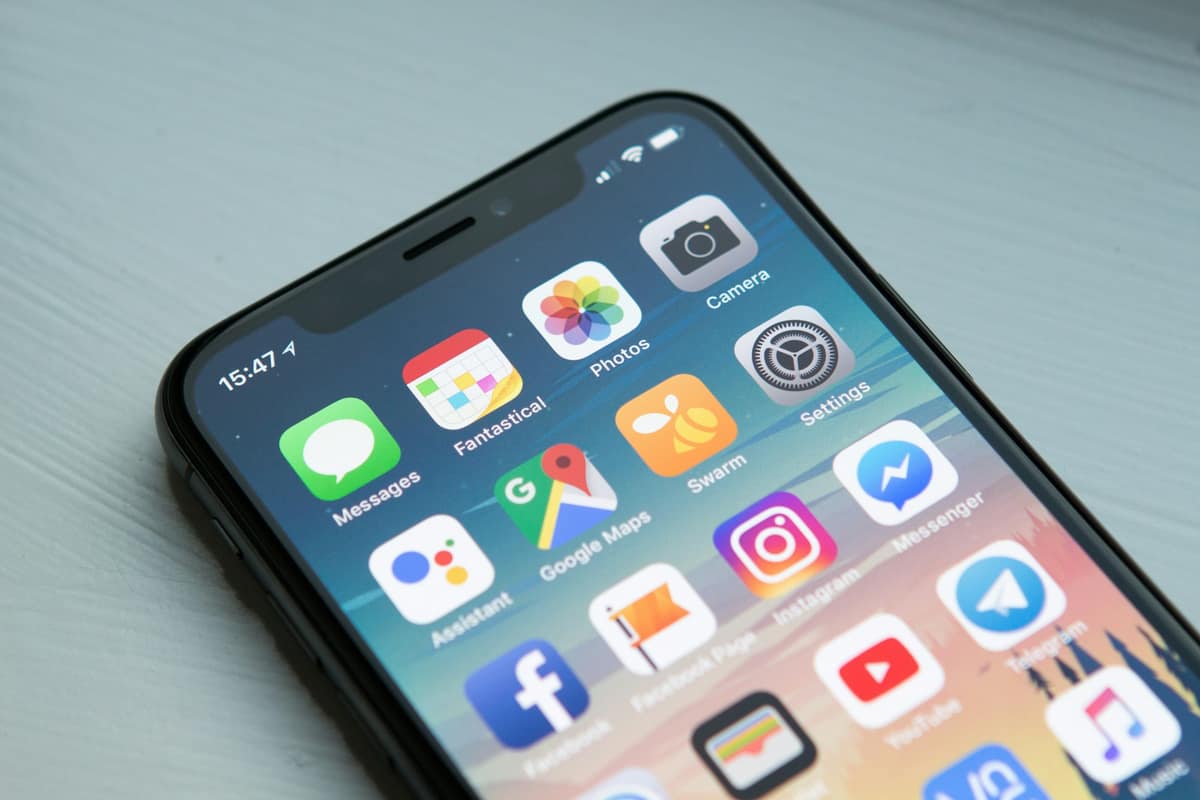
How to Publish an App to Google Play and the App Store
What you need before submitting a mobile app: developer accounts for a person or a company, signing keys, store listings and privacy forms, the closed testing rule for new Play accounts, TestFlight, common App Store rejections, and staged releases.
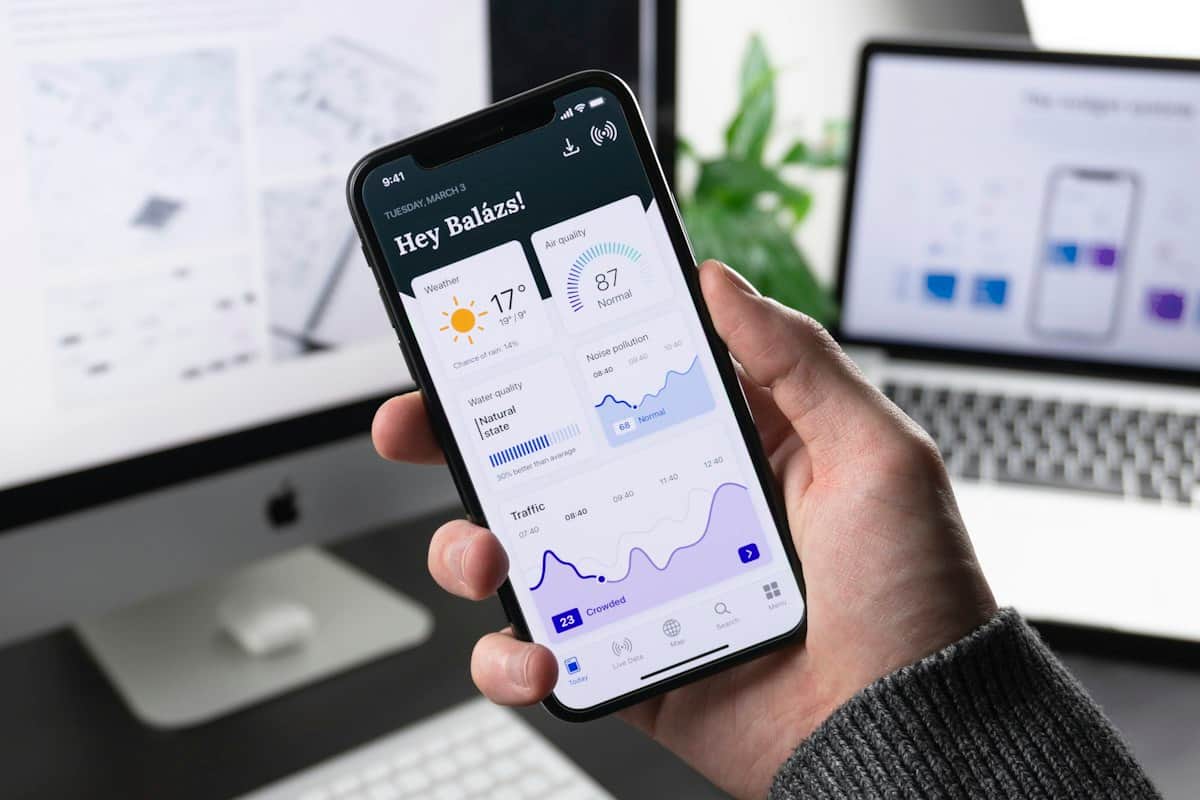
Flutter vs Native (Kotlin and Swift): Which Fits Your Mobile App?
How to choose between Flutter and native Android and iOS development: where each approach is strong, the real cost difference, plugins and platform features, performance on low-end devices, and a practical way to decide.
Ready to Build Professional iPhone & iPad Apps?
Discuss your team’s training needs with PT Salamun Teknologi Indonesia. The program can be tailored for companies, startups, educational institutions, or individuals.
Contact Us